Cards · Badges · Tags · Flash cards · Mini posters

Design cards that actually print right.

GuideMarkr is a focused card maker with real cut lines, safe zones and crop marks — so what you design is exactly what comes out of the printer. Export print-ready PDF, or tile a whole sheet in one click.

No install to try. Free tier exports watermarked PNG — upgrade for clean PDF & sheets.

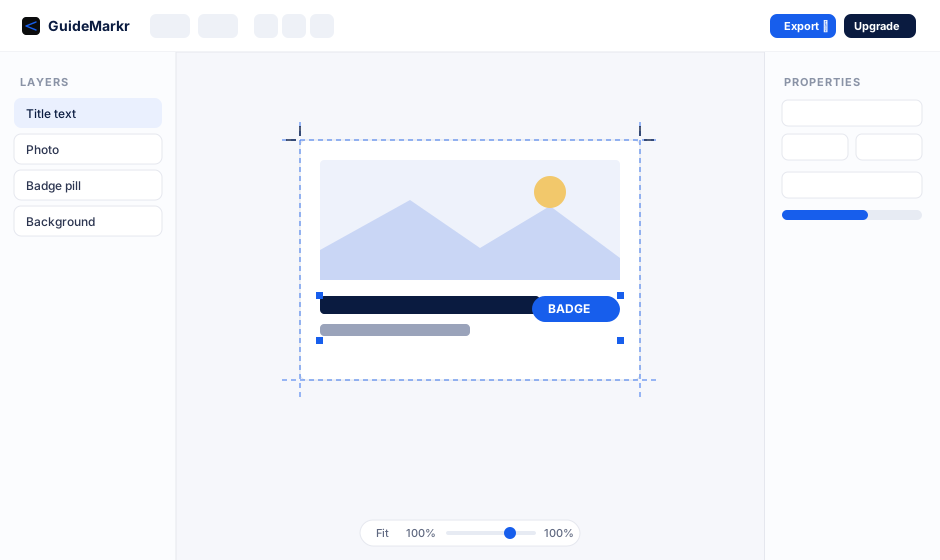
GuideMarkr editor preview

Everything you need to go from idea to print

Purpose-built for people who print — not another bloated design suite.

✂️

Real cut & print guides

Cut lines, bleed, safe zones and crop marks that match your trimmer or print shop — toggle each on or off.

One-click print sheets

Tile a card across Letter or A4 with clean cut guides between copies. Print a full page of badges or flash cards instantly.

🅣

Text, images & shapes

Full text control, image filters and framing, plus rectangles, pills, circles, lines and arrows. Drag, resize, reorder, snap.

📐

True-size PDF export

Export at exact physical dimensions and 300 DPI — cards come out the right size every time, ready for home or pro printing.

🧩

Templates & presets

Start from poker, index, business-card, badge, tag, square and poster presets, or a ready-made template.

💾

Save, reopen, autosave

Projects save to a portable .gmproj file. Autosave and recovery keep your work safe while you edit.
How it works

Three steps to a printed card

  1. Pick a size or template and design your card.
  2. Turn on the cut & crop guides you need.
  3. Export a print-ready PDF, or a full multi-up sheet.
Open the editor →

Works two ways

Use it right in your browser with nothing to install, or download the desktop app for Mac and Windows to work fully offline with native file dialogs and PDF export.

Get GuideMarkr

Try free in the browser, subscribe for Pro, or own the desktop app outright.